For clinics & dermatologists
Everything your practice knows about a patient, in one place.
The platform
Built for the way a practice already runs.
Clinic OS holds one record per patient: history, treatments, consent and appointments together. It is used by dermatologists and clinic staff, alongside the app their patients are already on.
See what’s in itWhat’s in Clinic OS
Everything a practice runs on, gathered into one system.
-
GlowMission integration
Two-way sync with the patient’s app: routines, daily compliance and skin scans in, plan changes out.
-
Patient profiles & history
Quiz answers, scans, products and past treatments in one timeline per person.
-
Appointments & scheduling
Bookings, working hours, reschedules and cancellations in one calendar.
-
Clinic workflow
Reviews, approvals and follow-ups in one queue instead of across email.
-
Treatment records
Procedures logged per visit, with before and after photos paired by date.
-
Consent & documents
Forms signed on the patient’s own device and filed to their profile.
Automation
It runs the routine work on its own.
Confirmations, reminders, intake, aftercare and check-ins go out without anyone starting them. Each one replaces something staff were doing by hand.
-
Alerts
Confirmations & reminders
Patients get a text and a push before every visit, so fewer of them forget.
-
Scheduling

Waitlist backfill
A cancelled slot is offered to the next patient waiting, so the day stays full.
-
Imaging
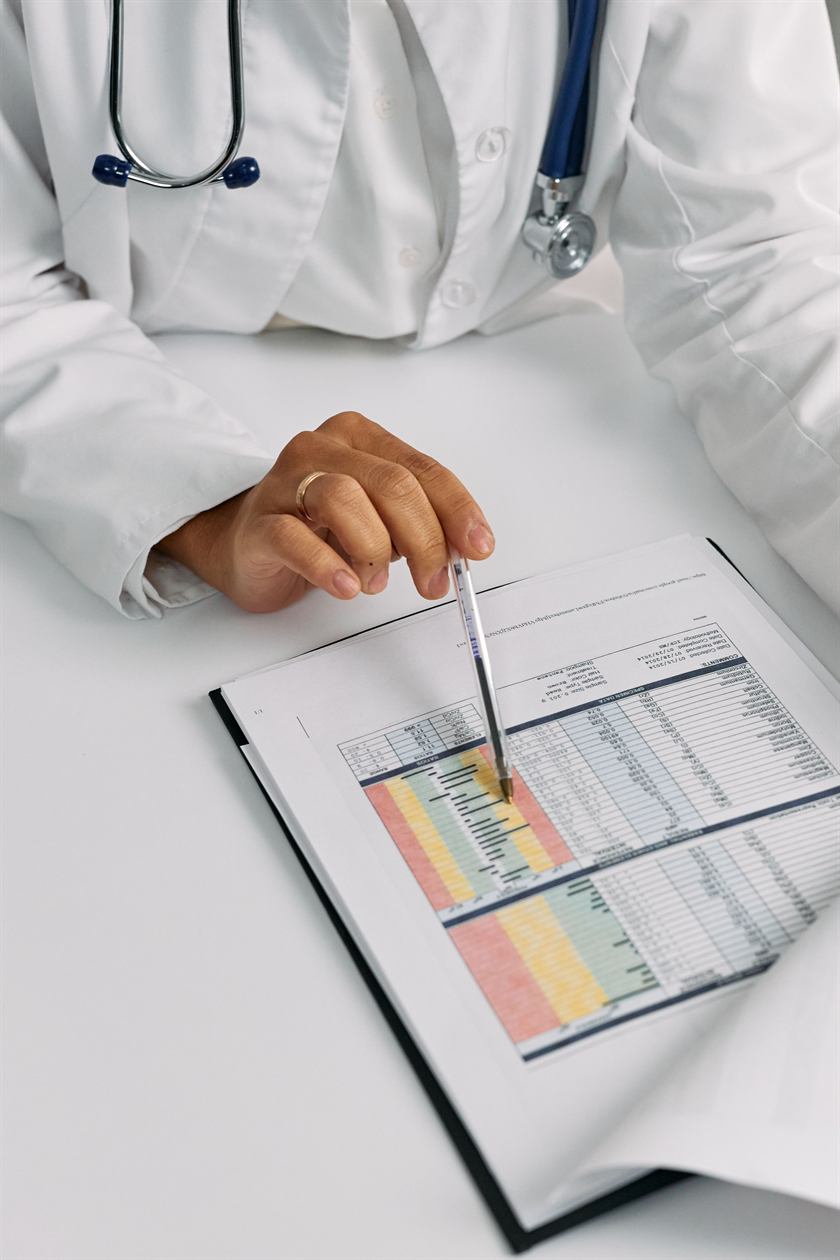
Photo filing
Progress photos file themselves by date and body area, into the patient record.
-
Dictation

Voice-note dictation
Voice notes after a consult become structured chart entries for you to approve.
-
Monitoring
Daily & weekly check-ins
Patients are prompted for recovery updates and photos between their visits.
-
Booking

Reschedules & cancellations
Patients change their own appointment from the reminder, and the slot reopens itself.
-
Onboarding

Digital intake
Medical history and consent are done before arrival and land in the chart.
-
Briefing

Pre-consult summary
Check-ins and app activity are pulled into a short brief before you see them.
-
Recovery
Aftercare instructions
Recovery instructions arrive in the patient’s app as soon as the visit ends.
-
Retention

Review & course reminders
Courses of treatment are tracked, and patients are prompted when the next one is due.
How the sync works
The record updates from both ends.
-
1
The patient uses the app
Scans, routine steps and photos, between visits.
-
2
It lands in the record
Written to their profile as it happens.
-
3
The clinic treats and updates
You log the treatment and adjust the plan.
-
4
It reflects back in the app
The new plan and aftercare appear in their GlowMission.
-
5
Monitor, track & analyse
Progress is tracked over time and feeds back into the plan.
Onboarding
Live in three conversations.
-
01 20 minutes
Consultation
We walk through Clinic OS together and map how your practice runs today. Nothing to prepare beforehand.
-
02 Setup
Verification and setup
We verify each clinician, build your practice profile and load your appointment types. You confirm the calendar before anything goes live.
-
03 Go live
Launch
Availability is published and your profile appears in the app. We stay on hand through the first weeks of bookings.